 Scripta
Your words, your files
A calm page with room to grow.
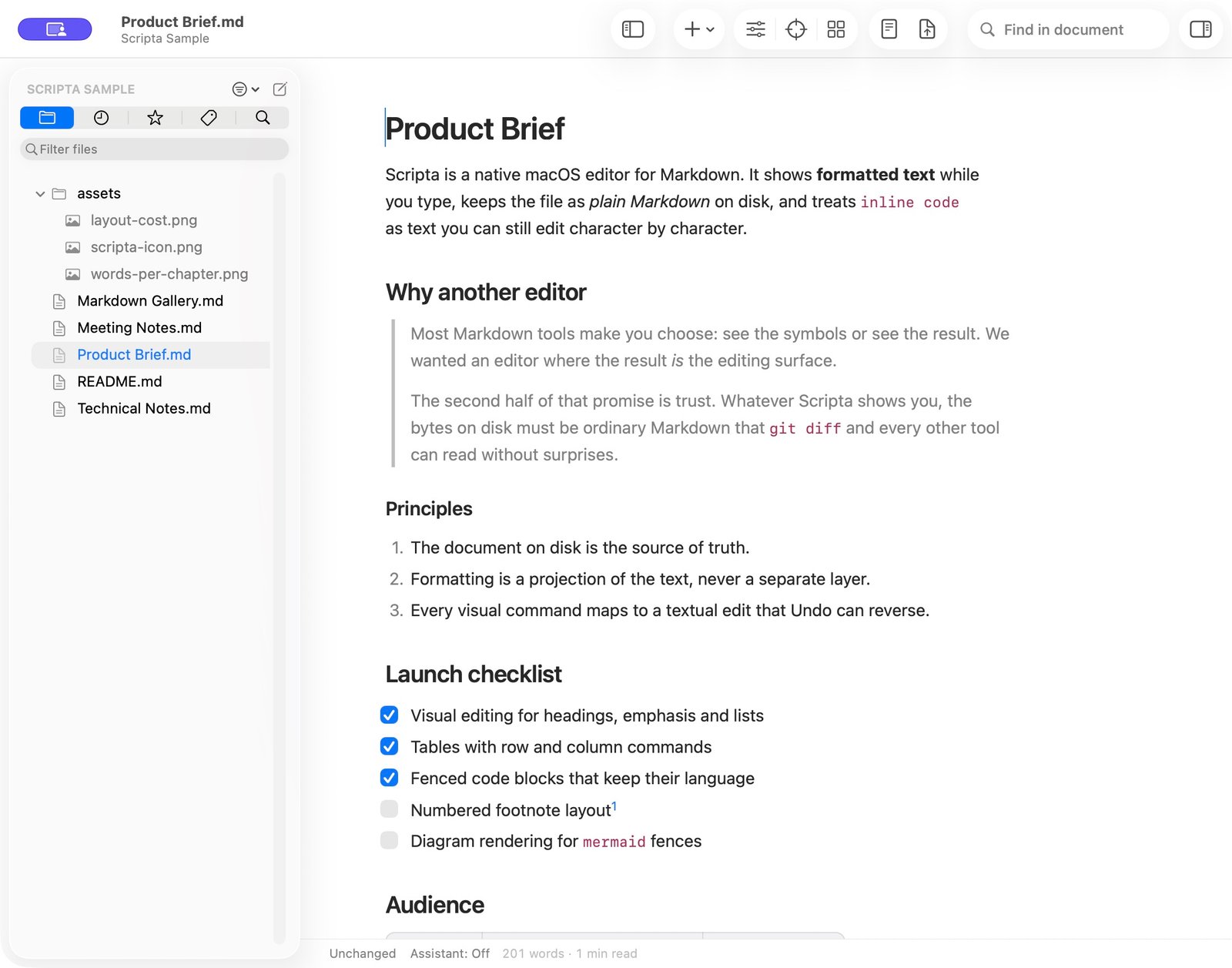
Start with a Markdown file or open a whole folder. Write visually, reveal the source when you need it, and keep the files where they belong.
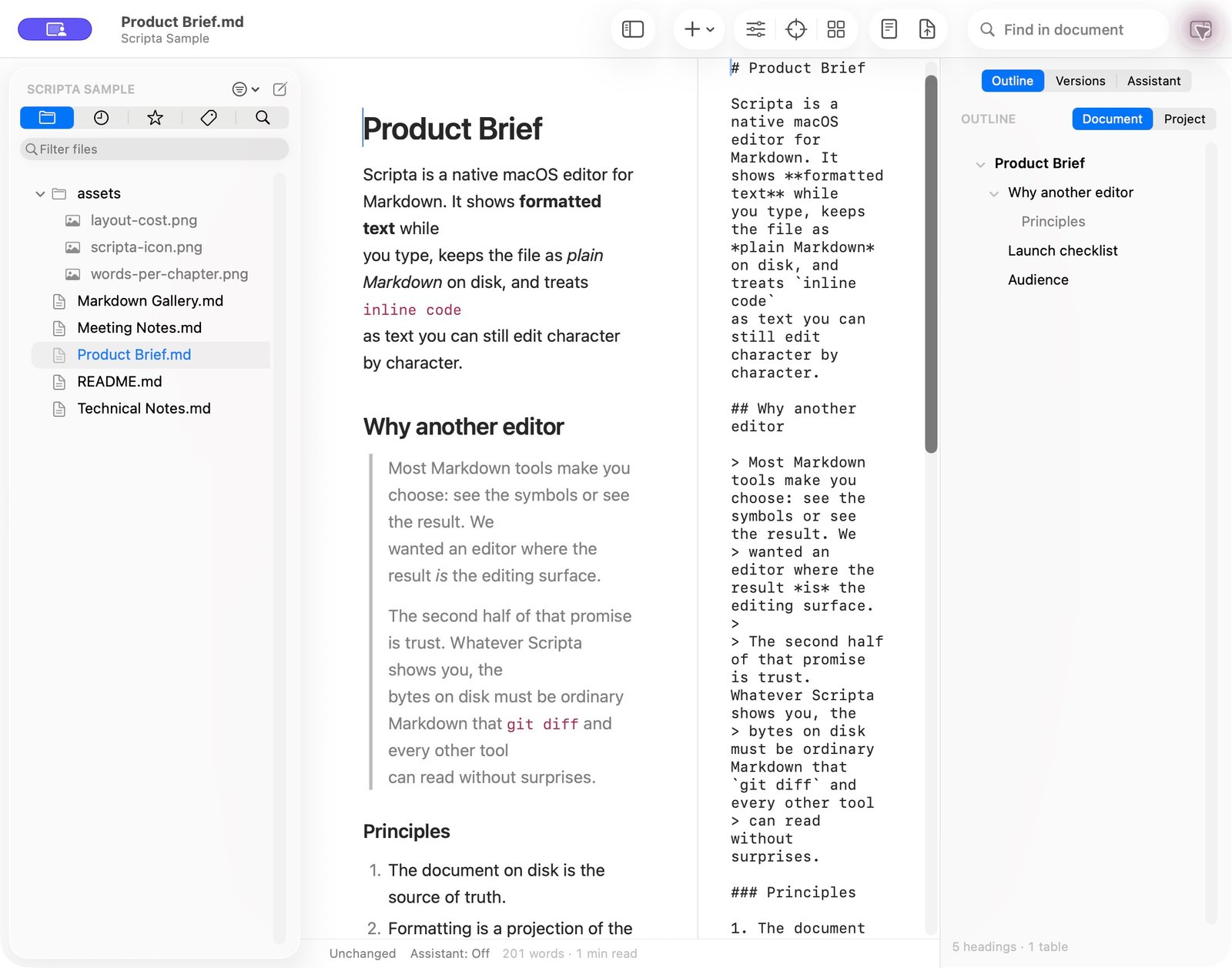
Keep a folder’s files in the sidebar and switch documents in the same window. Find your way with the Outline, move sections with Section Cards, or switch to Focus. Open the Markdown source alongside your writing whenever you need it.
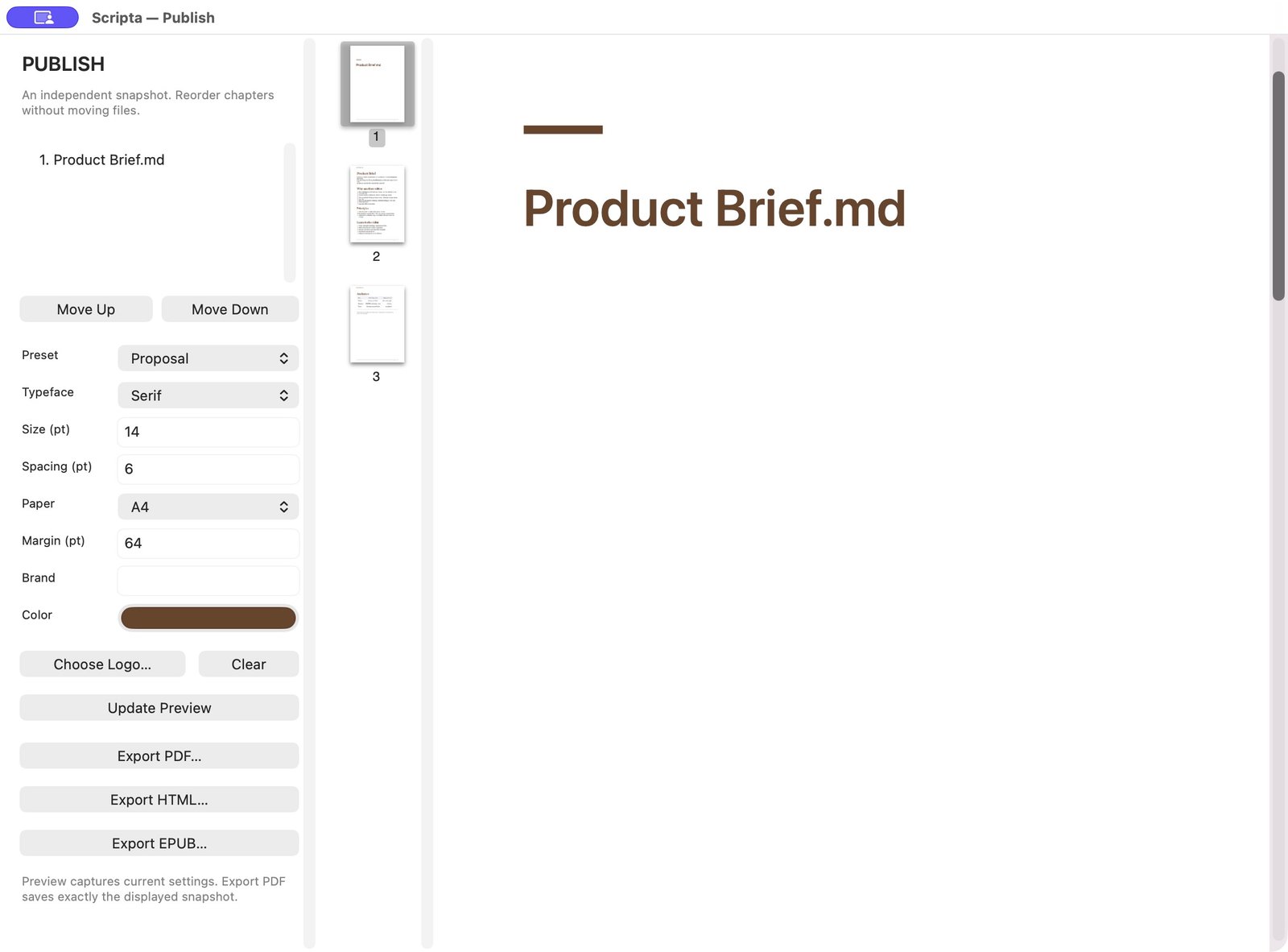
Publish prepares a separate preview with chapter order, typography, paper and branding. Export a document or a whole folder as PDF, HTML or EPUB.
- Write and format Markdown on a native Mac page
- Browse folders, recent files, favourites and tags, and search across a folder
- Edit tables, tasks, code and formulas in the formatted page
- Read the Markdown source beside the editor and navigate with the Outline
- Keep saved versions, compare changes and try alternative paragraphs or sections
- Preview and publish PDF, HTML and EPUB
- Connect an assistant and choose whether it can propose or apply edits