 Folio
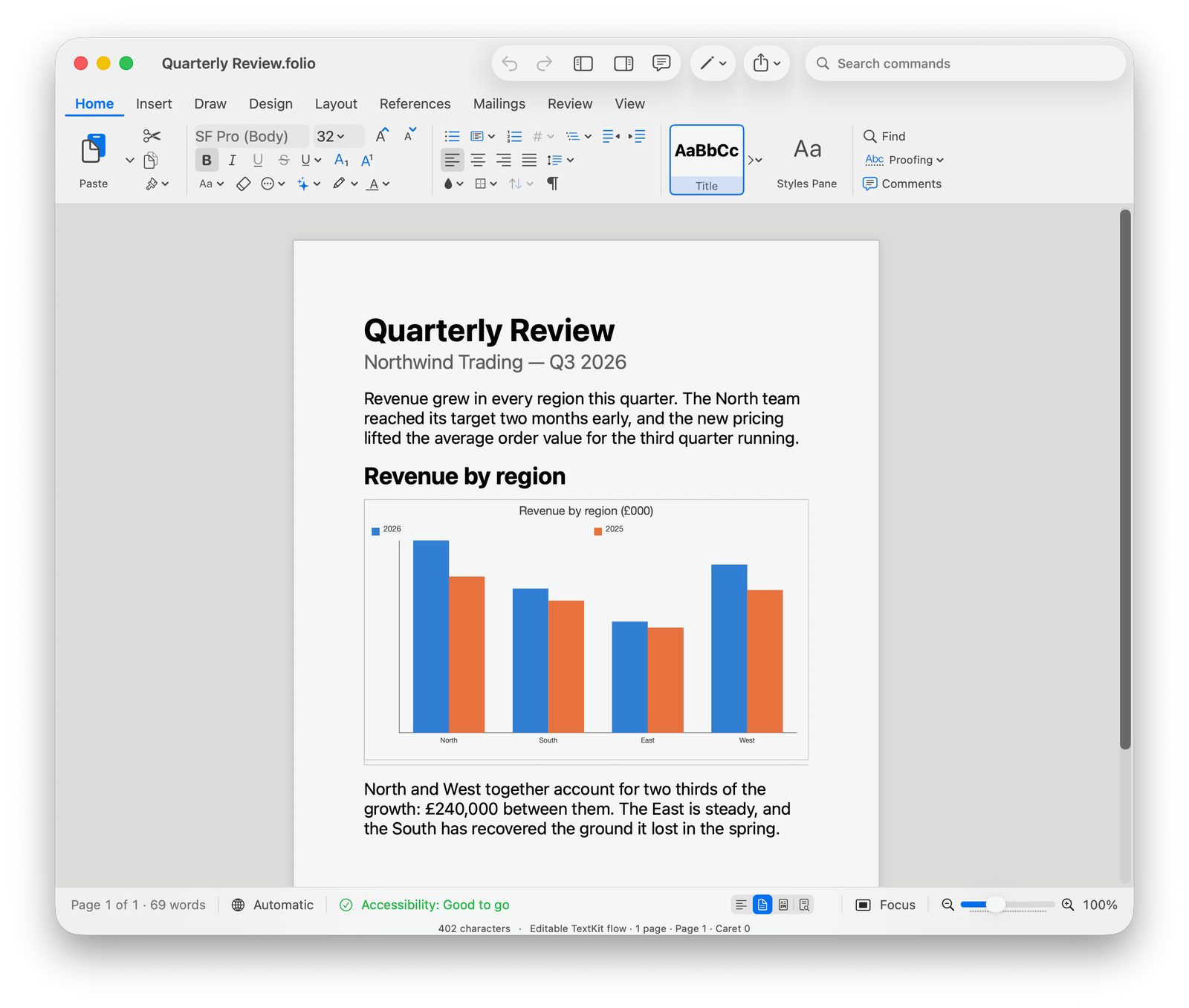
Nothing unfamiliar
The tools sit where a Mac user would look for them.
Folio starts with the documents you already have. Open a Word file, change the text or layout, add a table or image, and save it again without rebuilding the document somewhere else.
It can handle the less glamorous parts too: long sections, references, footnotes and other people's tracked changes. If something cannot be saved safely, Folio says so before it touches the original.
- Open and save Word files without a conversion step
- Use styles, page layouts, tables, images, equations and charts
- Read comments and work through tracked changes
- Keep footnotes, endnotes, contents and citations with the document
- Switch to Focus mode when the page needs your attention
- Pick up the work on Mac, iPad or iPhone